

What if you could type a prompt, paste some lyrics, and get a full song back, right on your own computer, with no monthly plan and no upload button anywhere? That’s the simple promise behind the “Open-source SUNO” hype.
To be clear, Open-source SUNO isn’t Suno turning open overnight. Suno is still a hosted web app. What people mean is: a local, open alternative that feels similar to Suno or Udio in the way you describe a song and get a vocal track back.
And the timing matters. In late 2025 and into January 2026, web music generators started tightening rules and, in some cases, limiting downloads. That’s pushed a lot of creators toward tools they can run offline. Set expectations, though. This stuff can sound surprisingly close to the big platforms, but it’s not always studio clean on the first try.
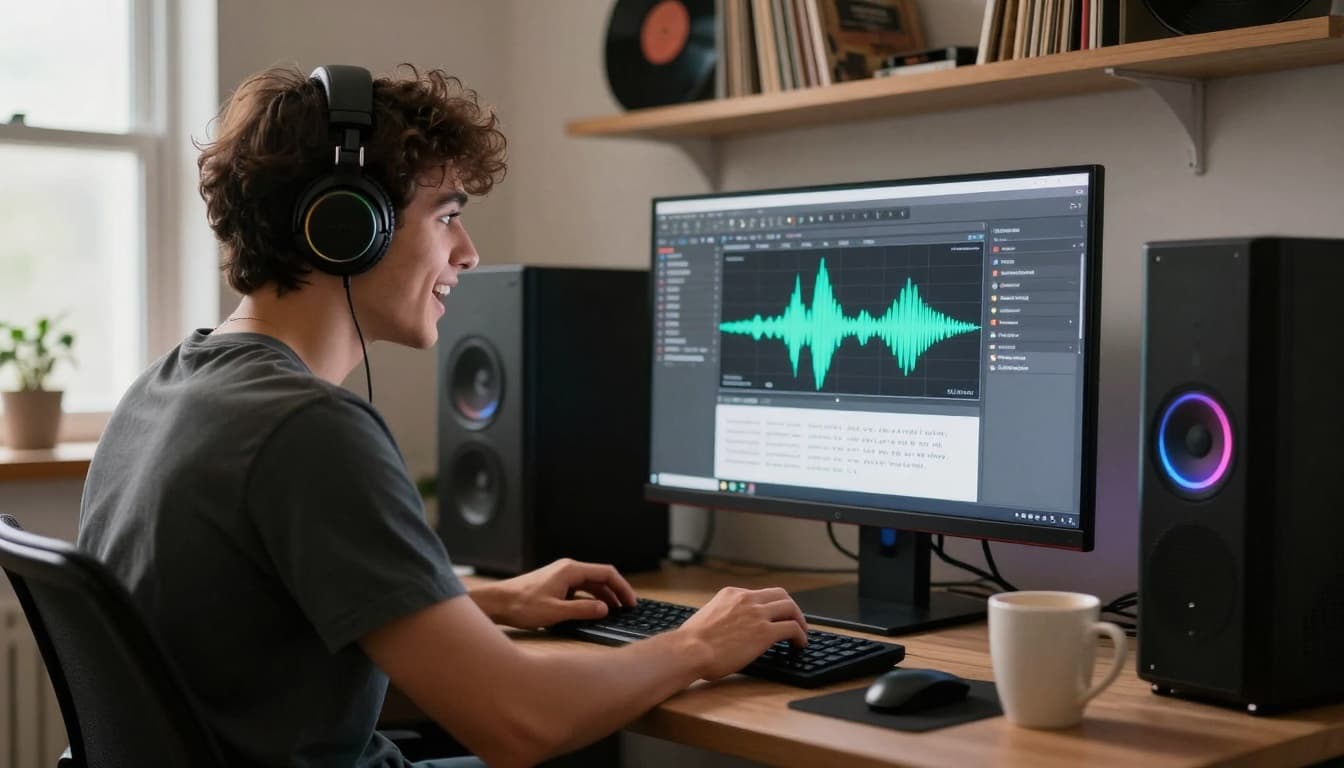 An offline music-making setup at home, created with AI.
What “Open-source SUNO” means in 2026, and why creators wanted it so bad
Open-source, in plain terms, means you can download the project, inspect it, run it yourself, and (depending on the license) build on top of it. For AI music, the big shift is this: you’re not just downloading an app, you’re downloading model weights too. Your computer does the generating.
Local generation changes the power balance. With browser tools, the service can change the rules overnight, throttle usage, or lock features behind a higher plan. Sometimes it’s reasonable, sometimes it’s… frustrating. If you’ve ever opened a tool you relied on and found a new limitation, you already get the feeling.
A lot of this tightened control is linked to legal pressure and label relationships. There have been public disputes around training data and rights, and some platforms responded by moving toward more licensing, more restrictions, and less user freedom. This isn’t legal advice, it’s just the user reality: hosted platforms can become more locked down as they grow.
So when people say “Open-source SUNO,” they’re really saying: “Give me something Suno-like, but on my machine, with predictable rules, and unlimited runs.” That’s the itch. HeartMuLa is the first time, in a while, it feels like someone actually scratched it.
The tool people are talking about, HeartMuLa, and what it can do today
The name you’ll hear most is HeartMuLa (often referenced via the HeartMuLa team’s heartlib repo and demos). It works in the same basic rhythm as the web tools: you write a style prompt (genre, mood, instruments, vocal type), you provide lyrics, and it generates a complete song with vocals.
If you want deeper context on the research side, the project also has a paper describing the model family and components, see the HeartMuLa paper on arXiv or a more reader-friendly summary on alphaXiv’s HeartMuLa overview.
In everyday use, the win is simple: it’s built for full songs with singing, not just loops. People have been getting usable results across multiple languages in practice, which matters if you write in Spanish, Korean, Japanese, or you mix languages in hooks.
One practical detail that surprised me: the default “song length” behavior is set up like a normal track, roughly up to about 4 minutes by default, and you can change the maximum length with a parameter. So it’s not locked to 30-second snippets unless you want it to be.
How close is the quality to Suno or Udio, honestly?
Older open-source music generators were… rough. You’d get something musical-ish, but vocals might melt into noise, lyrics drifted, structure fell apart, and the output often sounded like a demo recorded through a wall.
HeartMuLa is different. The project’s own shared evaluations (and a lot of creator demos) suggest it can hit low lyric error and keep style consistency much better than earlier open models. In other words, it’s finally in the conversation.
Still, honesty time: it doesn’t always sound radio-ready. Expect some takes to feel a bit muddy, with vocals that don’t fully “sit” in the mix. When it’s good, it’s shockingly good. When it misses, you’ll hear it fast, like the chorus energy never arrives, or the vocal tone feels flat.
That’s the new normal with offline generation. You trade convenience for control, and you earn the best results by running a few versions and picking the strongest one.
What you need to run it offline, and what the setup feels like
Running a modern music model locally isn’t like installing a tiny phone app. The downloads are big. From what creators are seeing in the wild, you should plan for model files in the mid-teens of gigabytes, plus extra space for dependencies and outputs.
Hardware is the other reality check. For a smoother experience, a GPU with around 16 GB of VRAM is a safer target. You might get it running with less, but you’ll feel the pain in speed, or you’ll run into memory issues, or both.
Then there’s patience. On typical consumer setups, generation can take 10 to 30 minutes depending on song length, settings, and your hardware. That sounds slow compared to web demos, but the trade is you can run it unlimited times offline, without queue limits.
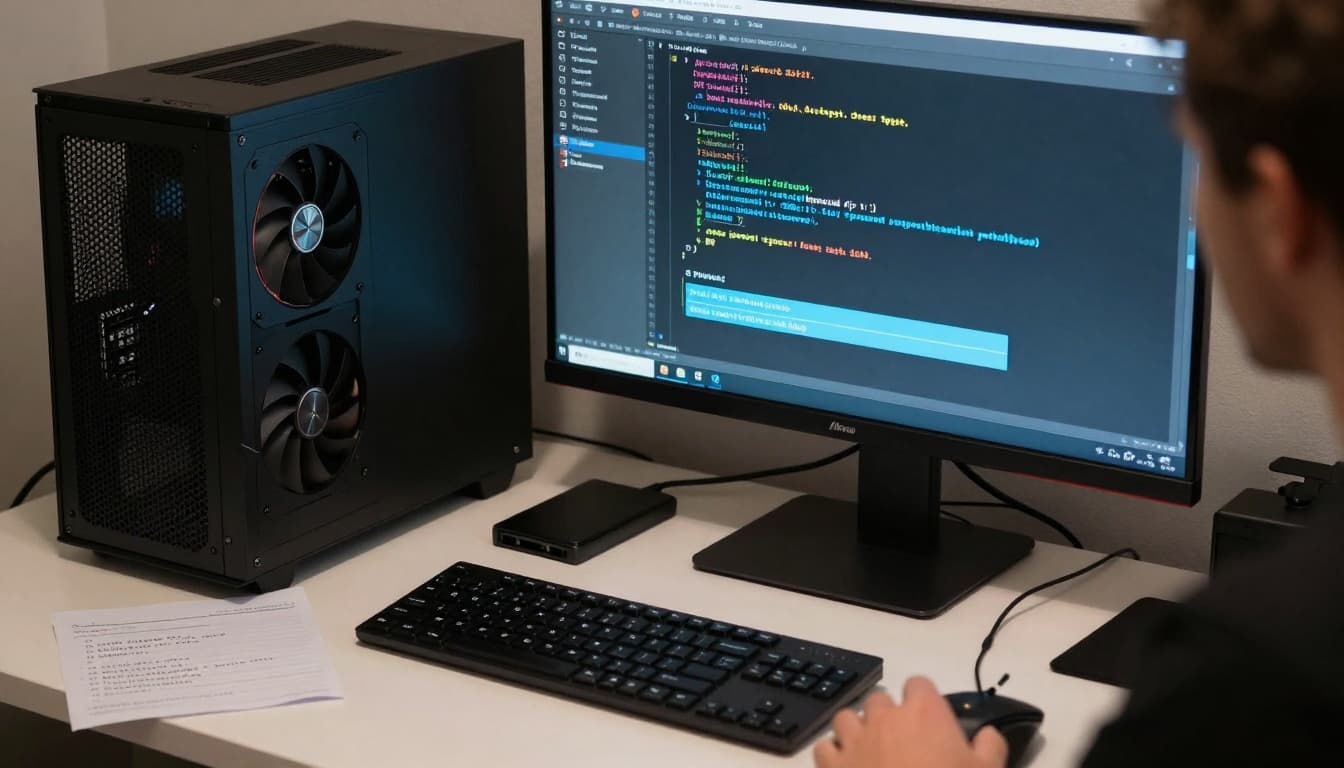 A typical “local AI music” workstation, created with AI.
A simple “you are ready” checklist before you start
If you want the high-level checklist (no command soup), it’s basically this: you need Git, a clean Python environment tool (Conda or Miniconda is common), and enough disk space for large model files.
On Windows, a common snag is a missing dependency error related to Triton. The practical fix many users follow is installing a pre-built wheel instead of waiting forever for a local compile. It’s not glamorous, but it saves a lot of time and, yeah, a lot of swearing.
Also, don’t skip the boring part: keep your GPU drivers and CUDA setup sane. Most “it doesn’t run” problems are dependency mismatches, not the model itself.
Where your prompt, lyrics, and finished song actually live on your computer
Once you install it, the mental model is refreshingly simple.
You’ll usually have a text file for your tags (your style prompt) and another text file for lyrics. The lyrics file can be structured with labels like intro, verse, chorus, bridge, outro. That structure helps the model keep a real song shape instead of wandering.
Then it outputs an audio file (often an MP3). One very real gotcha: generating a new song can overwrite the previous output file. I learned to treat it like a camera roll. If you like a take, rename it or move it immediately, before you run the next one.
That tiny habit saves hours. Seriously.
Getting better songs with prompts and lyrics, without overthinking it
The best way to use a Suno-style workflow locally is to write prompts like you’re texting a bandmate. Clear, specific, and a little visual.
Start with the core vibe (upbeat pop, acoustic folk, alt rock). Add instruments (electric guitars, drum machine, warm pads). Add vocal type (female vocals, male vocals, airy harmonies). Then paste lyrics that already have a shape.
And don’t treat the first output like a final master. Treat it like a first take. Run a few generations, keep the best chorus, keep the best vocal tone, and move on. That’s the rhythm.
Writing prompts and iterating quickly tends to beat “one perfect prompt,” created with AI.
Prompt recipes that tend to work well (and a couple that do not)
HeartMuLa tends to shine when you ask it to do what it was built for: songs with vocals. Pop, rock, K-pop-style dance tracks, J-pop-style electronic, and chill “cafe vibe” Latin pop tend to come out convincing when the prompt includes instruments and energy.
Where it struggles more is pure instrumentals. Leaving lyrics empty can confuse the generation, and adding an “instrumental” hint only helps a little. You can get instrumentals sometimes, but it’s not the main strength, so you’ll burn time chasing perfection.
A practical caution that’s worth saying out loud: don’t paste copyrighted lyrics if you plan to publish publicly, and don’t try to clone a living artist’s exact style for commercial release. You can study a vibe, sure, but copying real lyrics is a fast way to create problems you didn’t need.
If you want a broad survey of other options people compare against, this list of Suno alternatives is a decent starting point for context.
Easy tuning knobs: CFG scale, temperature, and top-k in human terms
Three settings come up a lot: CFG scale, temperature, and top-k. Think of them like the “personality dials” of the generator.
CFG scale is the “follow my instructions” dial. Higher CFG usually means it sticks closer to your prompt and lyrics, but too high can make outputs feel stiff or weirdly forced.
Temperature is the creativity dial. Raise it if results feel bland. Lower it if the model starts making chaotic choices or drifting off your lyrics.
Top-k changes how random the next choices can be. Higher top-k can add variation, but it can also add mistakes.
A simple real-world example: if your “upbeat dance pop” keeps coming out slow and mellow, nudge CFG up a bit. If every chorus feels the same and kind of dull, bump temperature slightly and try again. Small moves. Big swings can wreck a good thing.
Licensing, privacy, and “can I use this commercially?” questions people keep asking
This is where people get confused fast, because there are two different topics: the software license, and the rights around the music you generate.
On the software side, HeartMuLa has been presented as open-source, and creators have noted a license update describing the repo and weights as Apache 2.0, which is a permissive license. At the same time, licenses can change, and different parts of a project can have different terms. So the safest move is boring but smart: read the current license in the repo you download, and keep a screenshot for your records.
On the music side, you can still create rights issues by what you put in. If you paste copyrighted lyrics, that’s copyrighted content, no matter what model made the audio. If you prompt with brand names or try to copy a specific hit, you’re asking for a headache.
Privacy is the clean win here. Offline generation means your prompts and lyrics stay on your machine. If you write personal songs, that alone can justify going local.
For broader listening on how people are testing AI music tools and thinking about “copyright-free” goals, this write-up on AI music tools tested as Suno alternatives is a helpful perspective.
My real take after trying an Open-source SUNO workflow for a week
The first day felt like a chore. I got the setup done, started a run, and then just stared at the progress like it owed me money. Waiting 10 to 30 minutes for a song is not “fun” at first.
But by day three, something clicked. I stopped treating it like an app, and started treating it like a little studio assistant that needs direction. When I wrote prompts with real instruments, the songs got better. When I structured lyrics with clear verse and chorus blocks, it stopped rambling.
The biggest surprise was lyric accuracy. On the good runs, it’s kinda wild how close it stays, even with tricky phrasing. The vocals can sound believable enough that you do a double take, then you notice the mix is a bit cloudy, like the vocal should be 2 dB louder and the low end needs cleanup.
The most annoying part was the overwrite behavior. I lost a take I liked, once, and after that I renamed every output immediately. No exceptions. My other habit: I stopped trying to force pure instrumentals. This model wants to sing. Let it sing.
By the end of the week, I had a small folder of “keepers” and a bigger folder of “almost.” That’s the honest workflow. You generate, you pick, you move on.
Conclusion
If you want the easiest, fastest experience, hosted tools still win on convenience. But if you want Open-source SUNO energy, meaning offline runs, more privacy, and more control over your workflow, HeartMuLa-style local generation is a big deal in January 2026.
Start with a short song first, keep the prompt simple, then iterate. Save your good takes right away, and keep expectations realistic. The freedom is the point, and honestly, it feels good.


0 Comments