

AI images in 2026 don’t just look “good for AI.” A lot of them look like real product photography, real portraits, and real ad creatives. That’s exciting, until you realize most tools still miss on at least one thing that matters in real work: speed, style control, editability, or cost.
I’ve stress-tested the big platforms while building avatars, backgrounds, and visual assets for training content that has to look consistent across scenes and updates. I also used these tools for everyday jobs like product shots, social posts with legible text, concept art, and brand graphics.
In this post, “best ai for image generation” means a tool that hits five basics: image quality, accuracy to your prompt, editing power, iteration speed, and a price that still makes sense when you scale.
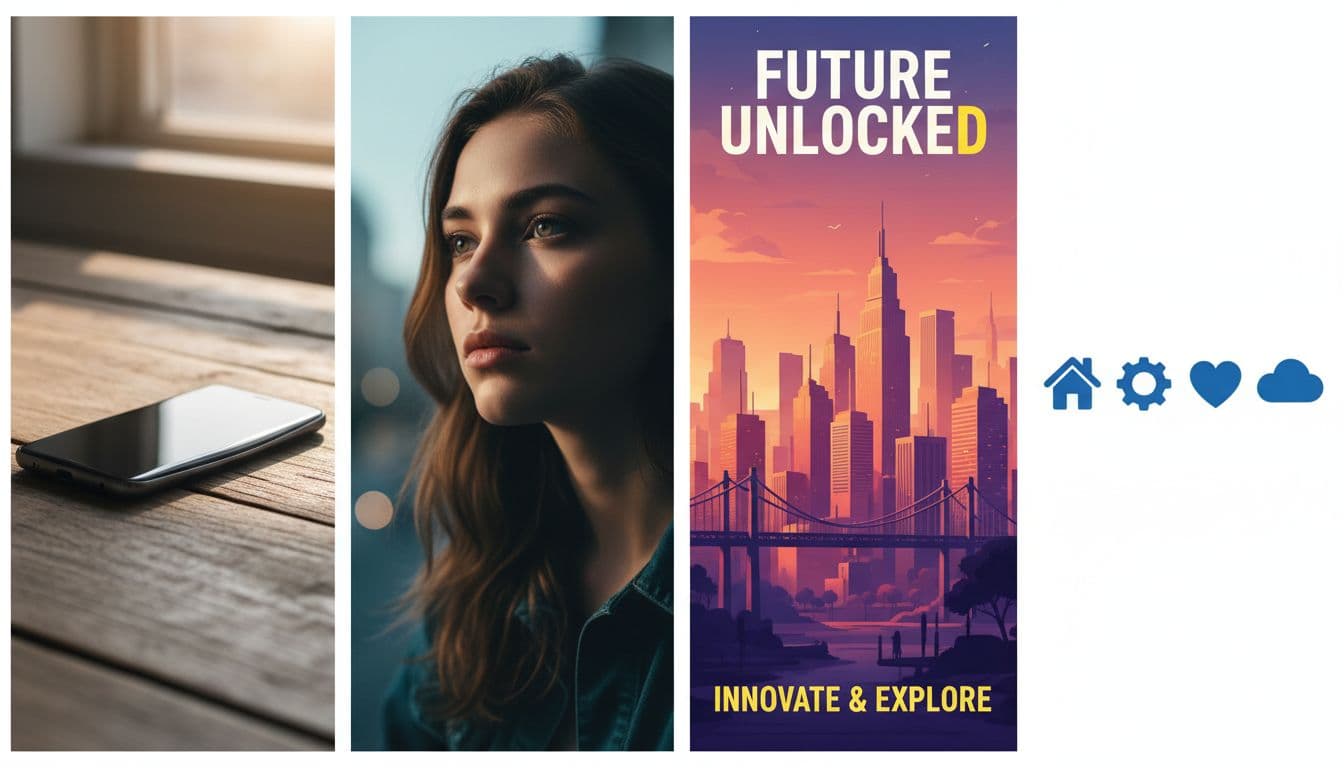 Four common 2026 use cases in one place: product photo, cinematic portrait, poster design, and vector-style icons, created with AI.
The 2026 Winners: Best AI for Image Generation by Use Case
There isn’t one perfect model. Picking an AI image generator is like picking a camera lens: the “best” depends on the shot you need.
Here’s the short, honest map:
- Midjourney: best for photoreal plus style, especially when you want images that look expensive.
- OpenAI GPT Image: best for text inside images and “do what I mean” instruction following.
- Flux: best for consistent characters and practical editing workflows.
- Gemini 3 Pro Image: best for speed and rapid iteration, strong if you live in Google tools.
- Recraft: best for logos, icons, and SVG vectors.
- Ideogram: best when typography is the whole job (posters, thumbnails, memes).
- Seedream + Hunyuan: best for budget-friendly volume when you need lots of variants.
Some tools shine standalone. Others work best as a pipeline: generate the base image, lock a look, edit details, then export or animate.
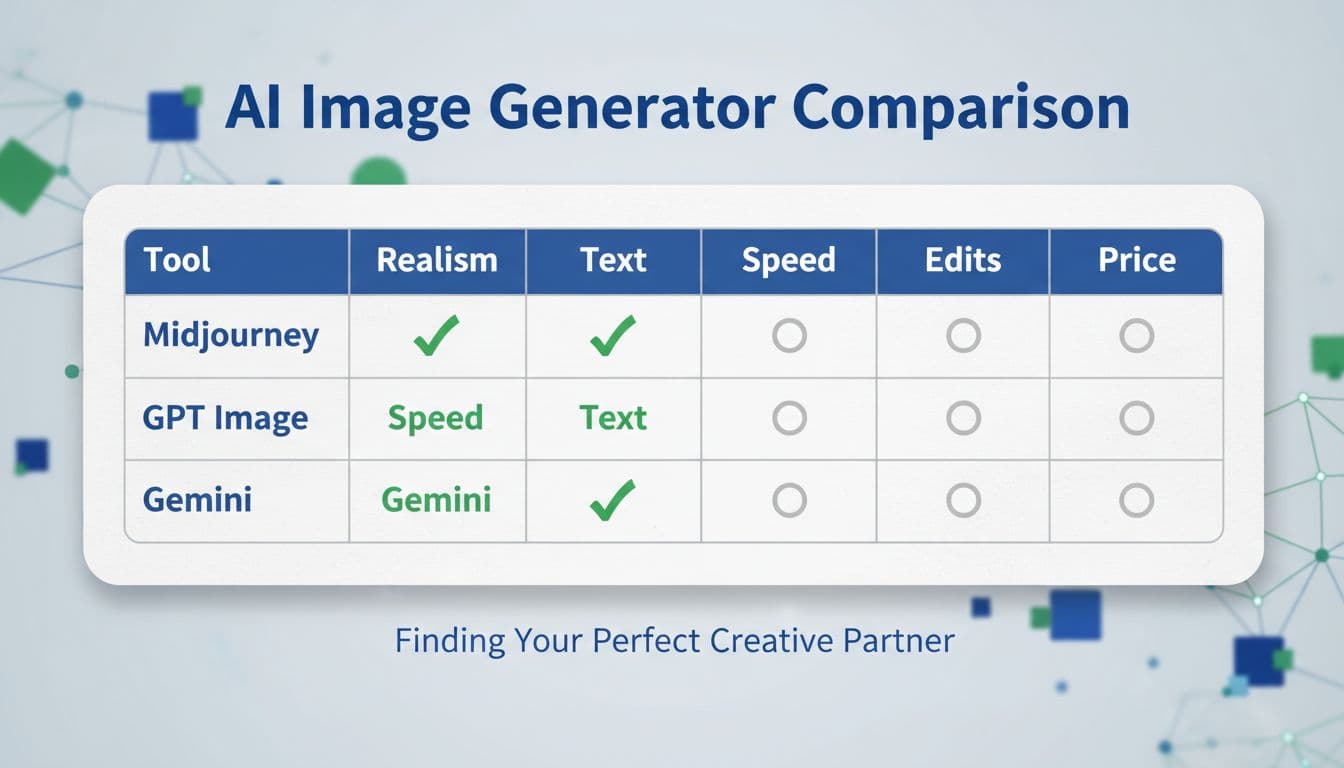 At-a-glance strengths across the main tools, created with AI.
Best for photoreal and stylish images: Midjourney (and why it still wins)
Midjourney is still the tool I open when I want the image to feel like it came from a premium shoot, even when it’s pure imagination.
What it does best in 2026 is overall coherence: strong composition, good lighting choices, and textures that feel intentional. It’s also great when you want stylization without the “plastic AI look.” Recent improvements that matter for normal users include better anatomy (hands are less of a roulette wheel), faster draft-like iteration modes for exploring ideas, and better style locking using reference images.
Midjourney is ideal for creators and teams making:
- ad concepts and hero visuals
- thumbnails and posters (without heavy text)
- cinematic portraits and scenes
- product staging that looks like lifestyle photography
People who might skip it: anyone who needs reliable text rendering or heavy surgical edits inside the tool. You can get there, but it often takes extra steps.
Quick tips that save time:
- Start with a short prompt that names subject, setting, and lighting, then iterate.
- Save a small set of style references you reuse across a campaign, so your images don’t drift.
If you want a broader view of what’s popular across the market, PCMag’s roundup is a useful cross-check: The Best AI Image Generators We’ve Tested for 2026.
Best for text inside images and “do exactly what I mean”: OpenAI GPT Image
When the image must include readable words, I reach for OpenAI’s GPT Image. It’s the closest thing to “describe the layout like you would to a designer” and get something usable back.
It’s strong at:
- legible typography in posters and thumbnails
- product labels and packaging mockups
- menu-style layouts
- step-by-step refinement (because the workflow is conversational)
This chat-first editing style matters more than people expect. Instead of rewriting prompts from scratch, you can iterate like: “Make the background cleaner, keep the headline the same, move the badge to the top-right, and fix the spacing.” That’s how real teams work.
Tradeoffs: it can feel a bit slower than the fastest tools, and high-volume use can get pricey if you’re generating lots of large exports outside a subscription.
Examples of the kind of prompts people actually use for work:
- “YouTube thumbnail with bold title text and a clear subject”
- “Sale poster with prices and a clean product cutout”
- “Logo mockup on a storefront sign with a short slogan”
For a general overview of tools that are practical for real workflows (not just pretty demos), Zapier’s guide is a solid read: The 8 best AI image generators in 2026.
Runner-Ups That Are Secret Weapons (When the Top Picks Are Not Enough)
The best workflows in 2026 aren’t about loyalty to one model. They’re about having a small set of tools that each solve a specific pain point: character repeatability, instruction precision, batch costs, or vector output.
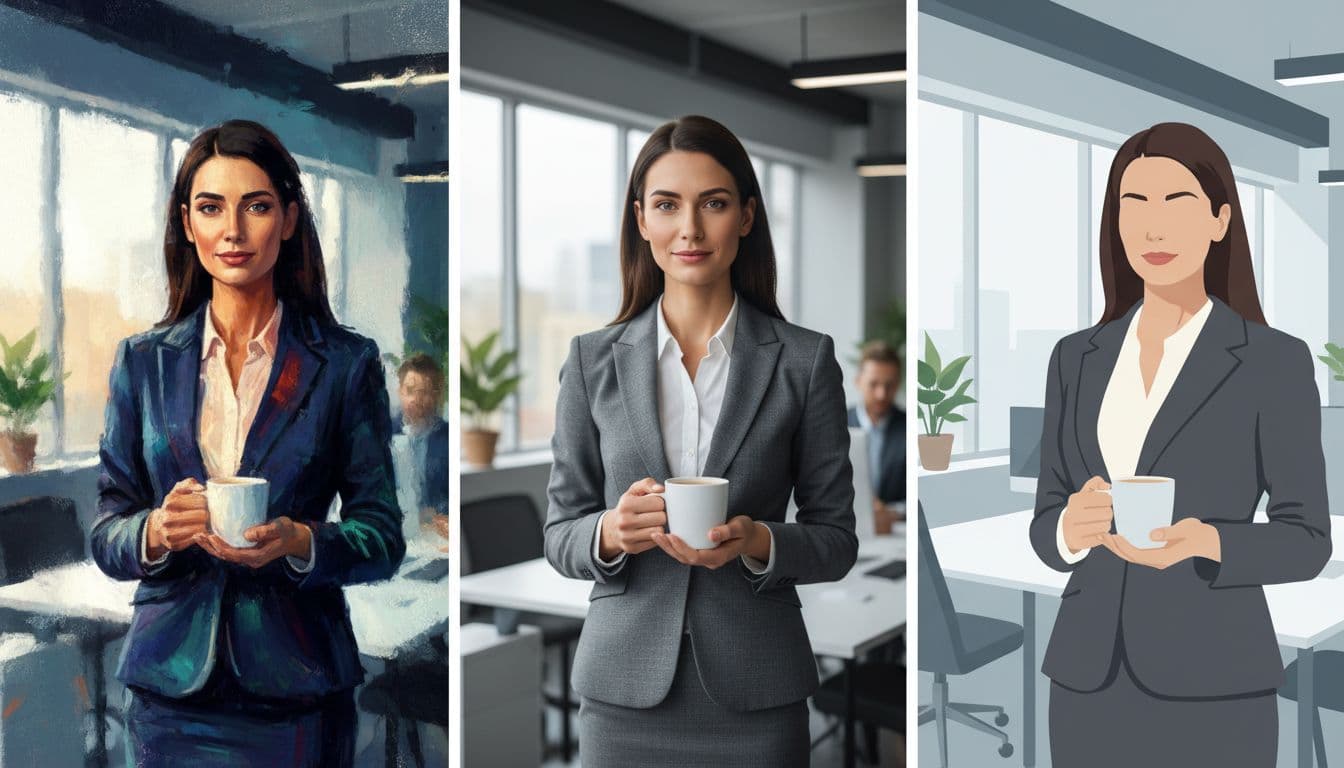 The same basic scene can swing wildly by model and style settings, created with AI.
Best for consistent characters and strong editing control: Flux
Flux has become a go-to “specialist” for repeatable characters and edits that don’t break the image. If you’ve ever tried to keep the same avatar across 12 scenes, you know the problem: faces drift, outfits mutate, and small details randomly change.
Flux is better than most at keeping identity stable when you:
- generate a strong base,
- lock the character traits,
- swap outfit, setting, or pose,
- upscale and export.
It also shows up inside other platforms and APIs, which is why many people end up using Flux without even planning to. One important note: check commercial usage terms based on where you access it, since licensing can vary by host.
Con: text rendering is usually “fine,” not best-in-class.
Best for fast prompts and Google ecosystem workflows: Gemini 3 Pro Image
Gemini 3 Pro Image is the one I use when speed matters more than perfection. Think pitch decks, concept boards, and fast ad variant testing.
It’s quick, often generating usable images in seconds, and it tends to understand prompts well. It’s also a strong fit if your team already lives in Google’s ecosystem.
The downside is simple: getting started can feel “enterprise” depending on how you access it, and cost can vary by usage. If you want a deeper, tool-specific breakdown, this internal guide is a good companion piece: https://www.revolutioninai.com/2025/11/googles-nano-banana-pro-features-guide.html.
Best for following instructions very closely: Reve
Reve is a great pick when other models ignore your rules. In real work, instruction following is everything.
This is where it helps:
- “Three items on a table, left to right”
- “Use only these colors, no extra props”
- “Keep the background clean, no text, no hands”
Pro: it often nails complicated requirements. Con: the “signature look” might feel less iconic than Midjourney, depending on what you’re making.
Best budget options per image: Seedream and Hunyuan
If you generate lots of variants, per-image cost matters more than subscription price. Seedream and Hunyuan are good “production volume” tools when you need scale: background concepts, internal mockups, bulk ad tests.
The tradeoff is that they may need more careful prompts and sometimes a polishing pass. My practical approach: use budget tools for the batch, then finalize hero images in Midjourney or GPT Image.
For another market scan with model comparisons, WaveSpeed’s overview is useful context: Best AI Image Generators in 2026: Complete Comparison Guide.
Best for clean logos, icons, and UI assets: Recraft
Recraft is different because it’s vector-first. That means you can export clean SVG-style assets that scale without getting blurry, and are editable in design tools.
This is the tool for:
- logo directions and brand marks
- icon packs for apps
- UI badges and simple illustrations
- assets you want to tweak later in Figma
It also tends to be easy to try (there’s typically a free tier), with paid plans around the common entry level (often around $20 per month, depending on plan).
Con: it’s not a photoreal portrait engine, and it’s not trying to be.
How to Choose the Right AI Image Generator in 2026 (Simple Checklist)
This section is a decision guide, not a review. If you want one “main” tool, pick based on the bottleneck you hit most often.
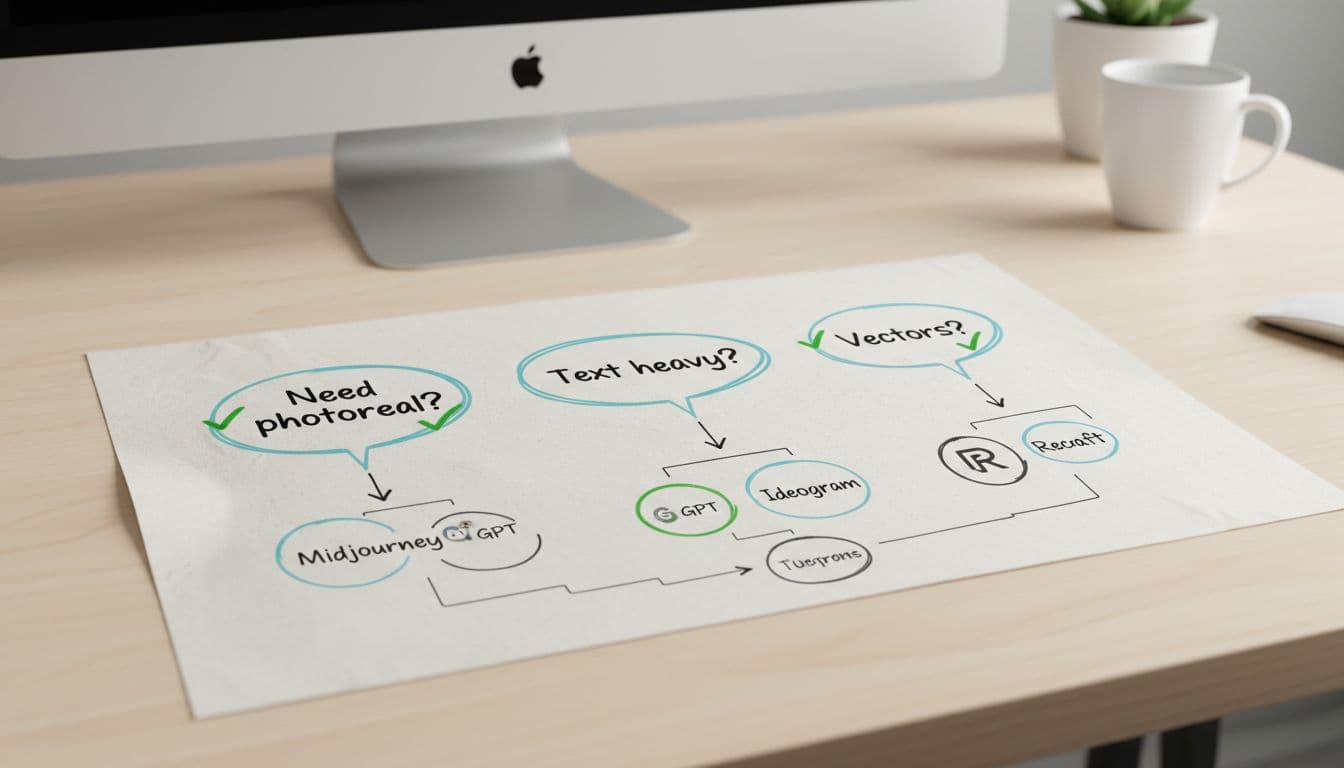 A simple way to match your job to the right tool, created with AI.
Use this checklist:
- Need photoreal and polish? Start with Midjourney (or Reve if you need strict control).
- Need clean, readable text in the image? Use GPT Image, then Ideogram if typography is the main deliverable.
- Need the same character across many scenes? Add Flux to your stack.
- Need speed for lots of variants? Use Gemini 3 Pro Image.
- Need logos, icons, and UI assets? Use Recraft.
- Need lots of images at lower cost? Use Seedream or Hunyuan, then finish selects elsewhere.
- Selling client work? Always check commercial use terms on your plan and platform.
What I look for when I test a model: fidelity, control, edits, and price
I keep it simple:
- Fidelity: does it look real and clean when you zoom in?
- Control: does it follow your instructions without adding random junk?
- Edits: can you fix one thing without breaking five others?
- Speed: can you get 10 options fast enough to stay creative?
- Price: is it still affordable when you generate 200 images, not 20?
Red flags I watch for: bad hands, warped faces, gibberish text, and surprise objects that weren’t requested.
A quick “test prompt pack” you can reuse:
- Photoreal portrait: a person, clear lighting, realistic skin, accurate hands.
- Product shot: a simple product on a surface with clean shadows.
- Multi-object scene: 5 items with a strict left-to-right order.
A quick decision flow: pick one main tool, then add one specialist
Three simple pairings that work:
- Creators: Midjourney + GPT Image (beauty plus text-ready assets).
- Marketers: GPT Image + Gemini 3 Pro Image (text accuracy plus fast variants).
- Designers: Midjourney + Recraft (hero visuals plus editable vectors).
What I Learned After Trying So Many Tools (My Honest Takeaways)
After months of testing, the big surprise is that quality isn’t the main problem anymore. Consistency is.
Here are the lessons that actually saved time:
- Midjourney still wins when you want that “how is this not a photo?” feel, plus style that doesn’t look generic.
- GPT Image is the most reliable for brand graphics where text must be correct, and the chat-based iteration feels like art direction.
- Flux is the fix for character drift. If your avatar changes every time, you don’t have a model problem, you have a workflow problem.
- Ideogram is still a serious typography option, especially for poster-like designs, even if other tools are catching up.
- Recraft is the fastest way to get usable icon and logo directions because vectors stay editable.
- Some models need more careful prompting, especially bilingual or niche systems. If a tool was built with a different primary language context, short and explicit prompts usually work better.
My current “stack” is simple:
- Hero images: Midjourney
- Text-heavy graphics: GPT Image (plus Ideogram when type is the whole point)
- Vectors: Recraft
- Consistency workflows: Flux
One caution: pricing always looks cheap until you scale. Track credits, export sizes, and how many iterations you burn per final asset.
The workflows that worked best: iterate fast, lock a style, then edit like a pro
The repeatable pattern:
- Generate 10 fast variations.
- Pick one winner and lock the style (and character, if needed).
- Do targeted edits (background, props, text, small fixes).
- Upscale and export.
The hardest skill is knowing when to stop. Pick a deadline, ship, and save your “winning prompt recipe” for next time.
Conclusion
For 2026, the winners are clear by job: Midjourney for the most beautiful images, GPT Image for text and brand graphics, Flux for consistent characters and edits, Gemini 3 Pro Image for speed, and Recraft for vectors. Add Seedream or Hunyuan when you need volume without burning your budget.
Choose one tool to master this week, run the three test prompts, and save your best settings as a template. If a teammate keeps asking “which AI image tool should we use?”, share this and compare results side-by-side, because the best ai for image generation is the one that fits your actual workload.


0 Comments