

If you’ve used popular AI apps lately, you’ve probably felt it: the outputs keep improving, but the limits keep stacking up. Credits run out, queues pop up at the worst time, exports get watermarked, and the “free” plan feels more like a tease than a tool.
China is taking a different approach to win users. The play is simple: make powerful AI feel free, remove the friction, and let creators flood the internet with what they make. Some of these platforms are backed by serious money (including major players like Alibaba), which helps explain why the free tiers can be so generous.
This guide shares four AI tools that can feel unlimited in day-to-day use, often with no visible watermarks. Tools change fast, and results can vary by prompt and traffic, so treat this as a practical starting point. Use your own assets when possible, follow the rules of any site where you post content, and keep your private data private.
Why these free Chinese AI tools are a big deal right now
Paid AI can still be great, but many people are tired of the same pain points:
- Watermarks that ruin an otherwise solid clip
- Credit systems that punish experimentation
- Waitlists and long queues
- Account friction (sign-ups, phone verification, region locks)
The newer “free + strong features” strategy flips that. You get something closer to a creative sandbox, where you can try ideas quickly and keep iterating until it clicks.
In this post, “unlimited” means three things in normal use:
- No visible watermark on typical exports (always double-check export settings).
- No forced trial cap that shuts you down after a few generations.
- Low friction access, sometimes even without an account, although speed boosts may be paid.
If you want a quick way to judge any of these ai tools (or any new one that appears tomorrow), use this checklist:
- Output quality: does it look clean at first glance?
- Consistency: can you keep the same character or product look?
- Speed: can you get drafts without waiting forever?
- Controls: aspect ratio, duration, camera motion, style, edit tools
- Export options: MP4, PNG, upscales, subtitles, audio
- Commercial use terms: can you monetize it, and under what limits?
For a broader look at where “free AI” is heading in 2026, this perspective on 2026 AI trends and free solutions helps frame why prices and capabilities are shifting so quickly.
What to watch out for before you use any free AI tool
Free doesn’t mean risk-free. Keep it simple:
Copyright and likeness
- Don’t upload images you don’t own or have permission to use.
- Don’t clone a real person’s face or voice for deceptive content.
- Be careful with logos, brand mascots, and celebrity lookalikes.
Platform rules still apply
- A tool may allow you to generate almost anything, but TikTok, YouTube, Instagram, and ad networks have their own rules. If you’re posting publicly, follow the platform’s guidelines.
Privacy basics
- Don’t upload IDs, contracts, client data, medical info, or anything you’d regret leaking.
- Assume prompts and uploads could be stored.
- Save local copies of your best outputs. Free tools can change or remove features without warning.
Commercial use
- If you’re using content for a business, skim the current terms. “Free” can still come with limits around resale, trademarks, or training policies.
If you’re also curious about the rise of open models and agents (another reason costs are dropping), this open source AI agents overview connects a lot of the dots.
The 4 unlimited AI tools (no watermarks) and what each one is best at
Each tool below has a different personality. One is better for videos, one is better for fast drafts, one is a “library of weird useful stuff,” and one is for building real projects with code.
WAN: free video and image creation, avatars, and music video clips
WAN is the one to try when you want a full creation suite, not a tiny demo. It’s built for both video generation and image work, and it shines when you need edits that keep most of the original image intact while changing one detail.
Standout features people keep coming back for:
- Chat-style image editing, which makes targeted changes easier
- Upscaling, useful when a free generation comes out soft
- Avatar videos for recurring characters (or your own photo, depending on the feature)
- A rare trick: upload a short audio clip and generate a music-matched video style sequence
You can explore WAN’s capabilities from sources like Wan AI: Leading AI Video Generation Model and this overview page, Higgsfield WAN 2.5 Introduction, to see what the current feature set looks like.
How to start in under 2 minutes
- Open the tool and pick text-to-video or image-to-video.
- Set aspect ratio (9:16 for vertical, 16:9 for YouTube).
- Keep the first prompt short, then iterate.
Copy-friendly prompts
- Product ad from one image: “Use my uploaded product photo. Make a 7-second vertical ad video with smooth camera push-in, clean studio lighting, soft shadows, and a simple background. Keep the product shape and colors accurate.”
- Avatar explainer: “Create a friendly avatar video. Tone: calm and helpful. Script: ‘Here’s how to set up your account in under 60 seconds…’ Background: minimal office, warm lighting, subtle hand gestures.”
- Music visual clip: “Generate a 15-second music visual video that matches the beat and mood. Style: neon abstract shapes, slow camera drift, high contrast, no text.”
Qwen: fast, no-wait image and video generation for everyday content
Qwen is the “get it done” option when you don’t want to fight a queue. It’s a strong pick for quick social clips, concept drafts, thumbnails, and simple motion.
What it’s best at:
- Fast drafts when you’re testing ideas
- Short vertical videos for daily posting
- Quick variations (change style, lighting, scene, mood) without rewriting everything
A practical prompt habit that works well here: write one clear sentence, then add style cues (camera, lighting, vibe). Don’t overstuff the first attempt.
How to start in under 2 minutes
- Choose image or video generation.
- Pick a simple duration (6 to 10 seconds).
- Run two versions: one plain, one with style cues.
Copy-friendly prompts
- 10-second vertical for a small business: “10-second vertical video for a local coffee shop. Morning sun through window, close-up latte art pour, quick shots of pastries, cozy vibe, handheld camera feel, no on-screen text.”
- Cinematic B-roll: “8-second cinematic B-roll of a rain-soaked street at night, reflections on pavement, slow dolly shot, shallow depth of field, film grain, no people’s faces.”
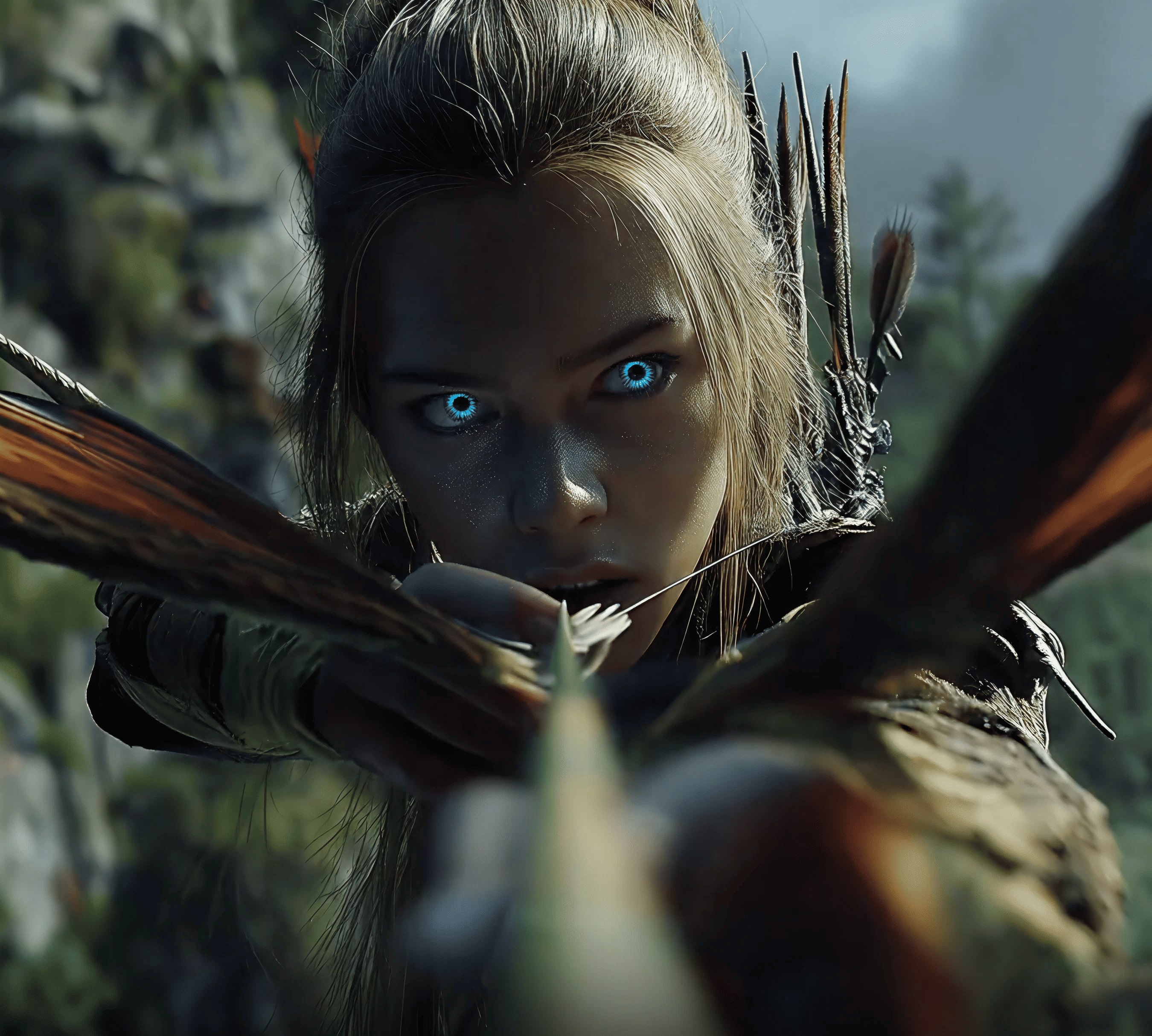
- Scene variations: “Generate 4 variations of the same scene: a minimalist desk setup with a laptop and notebook. Keep composition similar, change lighting (morning, noon, sunset, night).”
| Variation A | Variation B |
|---|---|
 |  |
Perchance: a huge library of free AI models, plus unrestricted creativity options
Perchance feels less like one app and more like a search engine for many small generators. That’s the appeal. When you need something oddly specific (a niche writing helper, a special image generator, a utility like an upscaler), Perchance is where you browse until you find the right tool.
A simple quality clue: look for models with high usage or visits. It’s not perfect, but it often points you toward what the community already stress-tested.
It’s also known for fewer artificial creativity limits in some generators. That doesn’t mean “do whatever.” It means you still need to use common sense, follow the site’s rules, and avoid content that harms people or breaks platform guidelines.
How to start in under 2 minutes
- Use search and filter by what you want (image, writing, utilities).
- Pick a high-traffic model first.
- Save prompts that work, because you’ll want to reuse them.
Copy-friendly prompts
- Blog header illustration: “Header image for a blog post about free AI tools. Style: clean editorial illustration, simple shapes, soft gradients, no text, wide composition, room for title on the left.”
- Icon set concept: “Design 6 simple app icons in a consistent style (flat, rounded corners). Themes: video, image, code, search, shield, rocket. Output on a white background.”
- Realistic portrait with safe constraints: “Photoreal portrait of a fictional person, mid-30s, friendly expression, neutral background, natural skin texture, no celebrity resemblance, no brand logos.”

GLM-4.7 on LM Arena: free coding and building apps, games, and presentations
If WAN and Qwen are for media, GLM-4.7 is for building. The most useful way to access it for free is through LM Arena, where you can go to the code area and select GLM-4.7 from the model list.
This is the tool you use when you want:
- A small web app with a clear file structure
- A simple playable game prototype
- A presentation outline (and speaker notes) from messy notes
- Step-by-step help to run the code locally and fix errors
If presentations are a big part of your work, this roundup of AI presentation makers (2026) is also useful context for what “AI slides” look like across tools.
How to start in under 2 minutes
- Open LM Arena.
- Switch to the code area.
- Select GLM-4.7, then give it a tight spec.
Copy-friendly prompts
- Basic web app: “Build a simple habit tracker web app. Use HTML, CSS, and vanilla JS. Provide a complete file structure, plus code for each file. Features: add habit, mark done, streak count, local storage, clean UI.”
- Small playable game: “Make a tiny browser game like ‘Dodge the Dots’. Provide full code (HTML/CSS/JS). Add difficulty that ramps over time and a restart button.”
- Notes to slide deck: “Turn the notes below into a 10-slide deck outline with slide titles, bullets, and speaker notes. Keep it simple and persuasive. Notes: [paste notes].”

How to get the best results (and keep outputs watermark free) with these AI tools
The fastest way to get good output is to stop treating prompts like a wish, and start treating them like a clear order.
Use this simple playbook:
- Goal: what are you making (ad, explainer, thumbnail, app)?
- Format: image or video
- Size: vertical (9:16), square (1:1), wide (16:9)
- Length (for video): 6 seconds, 10 seconds, 15 seconds
- Style: realistic, animated, editorial illustration, product studio
- Avoid: text overlays, logos, weird hands, distorted faces (say it)
Then iterate. First run is for direction, second run is for polish, third run is for fixes.
For consistent characters, use a reference image when the tool allows it, and keep the description stable (same hair, outfit, lighting style). For brand consistency, repeat your colors, props, and camera style.
If your output looks soft, run it through an upscaler inside the same platform when available. A clean upscale often makes “free” look paid.
For extra context on how many free photo-to-video options exist right now, this testing roundup of free AI photo-to-video generators is a solid comparison point.
Quick prompt template you can copy for images and videos
Image template
“Create an image of [subject] in [setting]. Style: [style]. Lighting: [lighting]. Camera: [shot type]. Mood: [mood]. Colors: [palette]. Avoid: [no text, no logos, no watermark, distorted hands].”
Video template
“Create a [duration] [vertical or horizontal] video of [subject] doing [action] in [setting]. Camera: [push-in, pan, handheld]. Lighting: [soft, cinematic, natural]. Style: [realistic, animated]. Add: [subtle motion, depth of field]. Avoid: [text overlays, logos, watermark, flicker].”
What I learned after testing these free AI tools (my honest take)
- Fastest to usable drafts: Qwen, especially for short social clips.
- Best “all-in-one” feel for media: WAN, because editing, avatars, and upscaling live in the same place.
- Lowest friction: WAN often feels close to instant access, which makes experimentation easy.
- Best for random niche needs: Perchance, because the model library can solve oddly specific problems.
- Strongest for real projects: GLM-4.7 on LM Arena, since it can plan, code, and troubleshoot in one flow.
- Quality still swings by prompt and timing. Busy hours can mean slower runs, and updates can change output overnight.
A workflow that kept working: start with a concept and rough copy in Perchance, generate visuals in WAN or Qwen, then build a simple landing page or demo app with GLM-4.7.
Conclusion
These four tools cover most creator needs: WAN for video and image work, Qwen for fast daily output, Perchance for variety and niche generators, and GLM-4.7 for building with code. Pick one today and run three prompts, one safe portrait or illustration, one short video, and one simple app idea. Save the prompt templates, and keep your content watermark free by controlling exports and avoiding built-in text overlays. Use AI responsibly, and you’ll get more done with less friction.


0 Comments