

“Free” AI generators spread like a chain text. Somebody posts a wild thumbnail, you ask what tool they used, and the reply is always the same: Perchance.
In January 2026, Perchance AI is still up and running, and it’s still one of the easiest ways to generate images, characters, and story content right in your browser. No install, no learning curve, and usually no account needed.
But here’s the part creators don’t say out loud enough: Perchance can look amazing one minute and messy the next. If you need dependable output (same character, same look, same quality, every time), this is your reality check.
What Perchance AI is in 2026, and what it can actually make
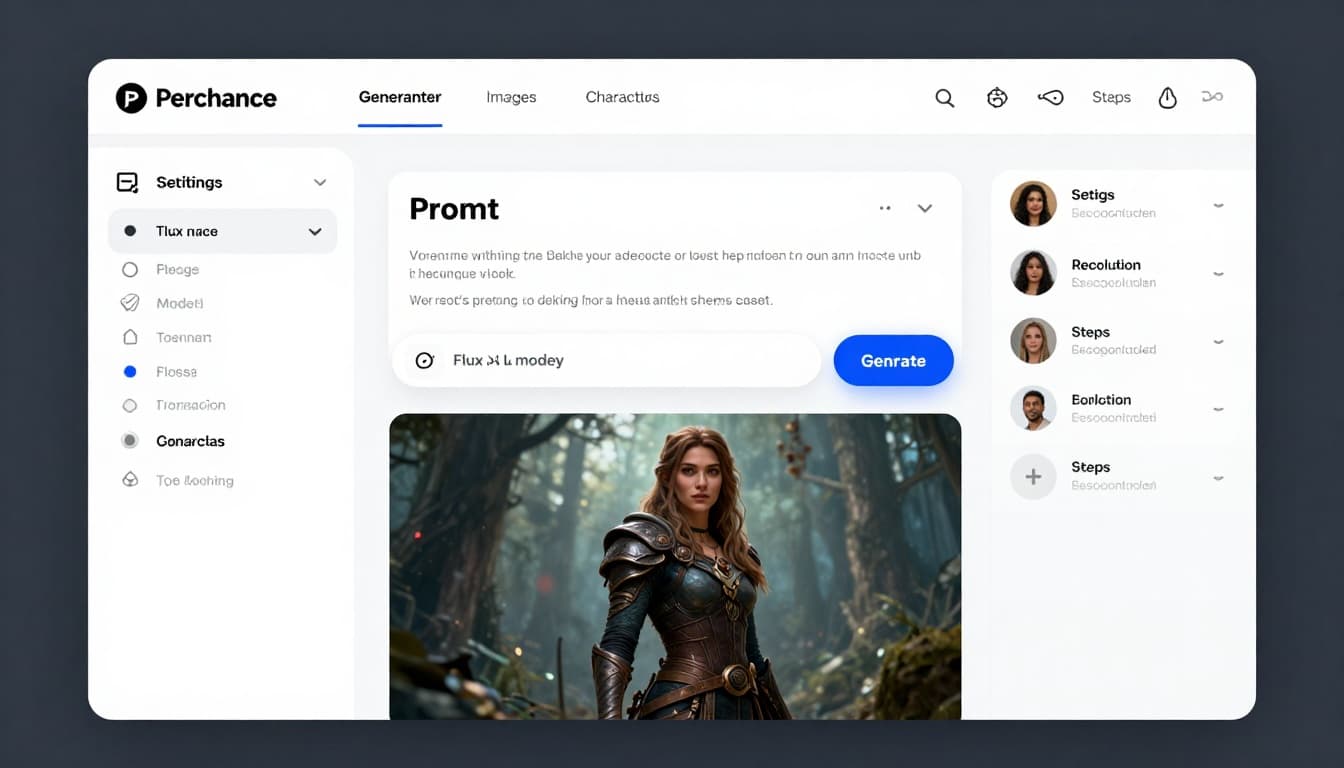 An interface-style view of a Perchance-like generator page in a browser, created with AI.
Perchance is a browser-based hub of generators. Some are made by the Perchance team, many are made by the community. The big appeal is speed and variety: you can jump from image generation to character building to story prompts in seconds.
In practical creator terms, it’s useful for:
- YouTube thumbnails and quick visual drafts
- Concept art and mood boards for game or comic projects
- NPC ideas and character sheets for tabletop games
- Writing prompts, plot hooks, and dialogue starters
- “Just give me 20 ideas” brainstorming when your brain is fried
A lot of people use the official pages like the AI Character Generator and the Fast Free AI Image Generator. You’ll also see tons of remix generators linked from the Perchance community library.
AI images without the usual paywalls (Flux AI, SDXL Lightning, SDXL Flash)
Perchance’s “free” reputation comes from how much it lets you try without the usual checkout screens. Creators share it because you can often generate instantly, and many tools don’t force sign-ups.
You’ll see generators that reference popular model families, including Flux and SDXL variants, through community pages such as this FLUX AI Perchance generator. In real use, that means quick experimentation: try three styles, spin ten variations, grab the best, move on.
The tradeoff is the part that hurts when you’re on a deadline. Output quality can swing hard. One image looks like a polished poster, the next looks soft, warped, or weirdly low-detail. Resolution can also feel limited if you’re trying to print, crop tightly, or reuse the same character across a series.
If you want a broader sense of where Perchance sits in the bigger tool list, this roundup of AI image generators in 2026 helps frame the difference between “free playground” tools and paid, production-focused ones.
The perchance ai character generator, what it produces and why creators use it
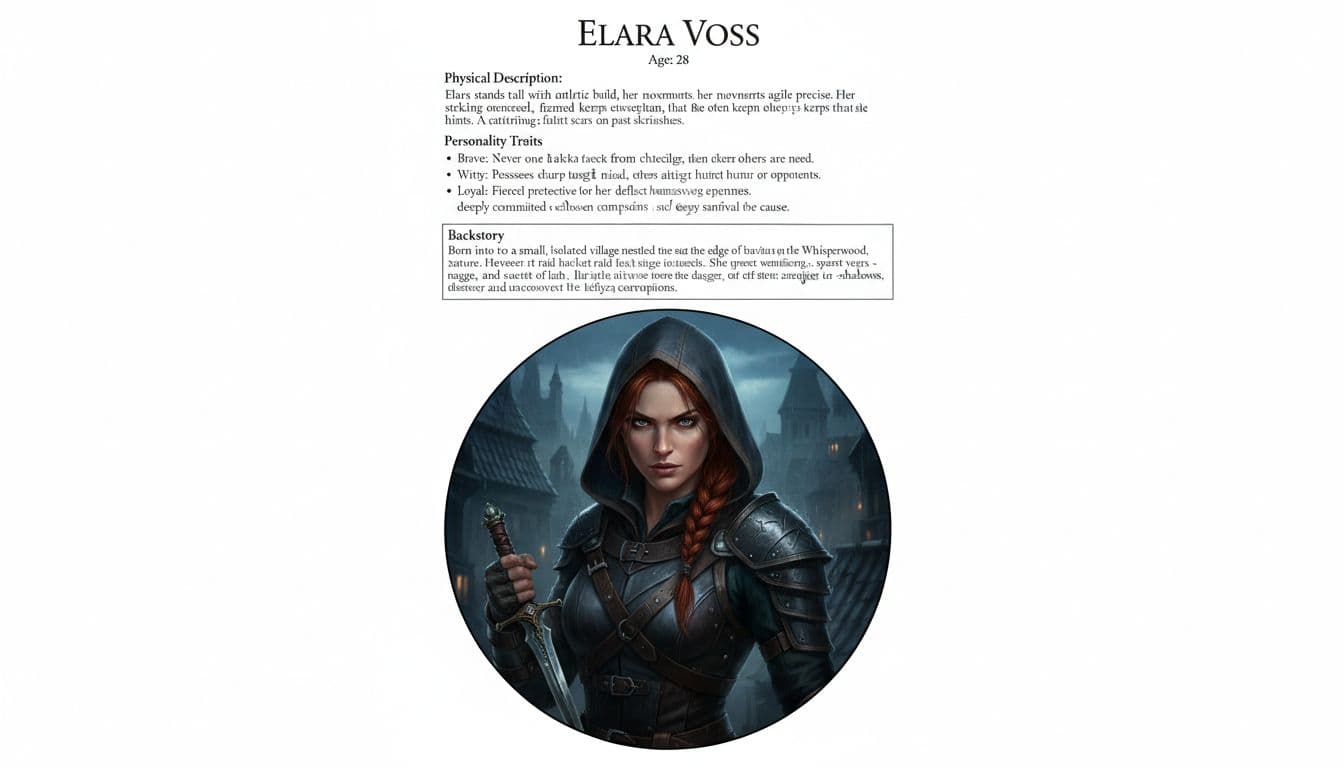 A character sheet style output with a portrait and traits, created with AI.
The perchance ai character generator is basically a character factory. You can get a structured profile (name, age, appearance, personality traits, backstory) and often a matching portrait. It’s the fastest way to go from “I need a rogue for my campaign” to “I have a rogue, a vibe, and a usable description.”
Who gets the most value here? Writers who need believable side characters, DnD GMs who need NPCs now, indie devs mocking up casts, and comic creators working out looks and attitudes.
In 2026, creators also talk about practical controls that matter more than fancy names: choosing portrait vs square images, batching multiple outputs, and using “anti-description” style prompting (basically telling it what you don’t want, like “no extra arms, no text, no watermark”). Results vary by generator, but the workflow is consistent: generate, pick, tweak, repeat.
For a walkthrough style guide, this Perchance AI character generator guide is a helpful reference, especially if you’re brand-new.
Exposed: the truth behind “FREE”, limits, tradeoffs, and what you give up
Perchance is “free” in the way a public basketball court is free. You can play all day, but you’re not getting a private gym, a coach, and perfect lighting.
A big reason it feels free is the low friction. Many generators run with no login, and creators love the instant output. Some community chatter also claims access to a large bundle of image generators (often quoted as around 18) with few barriers.
At the same time, Perchance is community-driven in a way that changes the deal: updates depend on what’s maintained, what’s popular, and what’s working today. That’s fun when you’re exploring, and frustrating when you need consistency.
Hidden costs vs real costs: ads, time, and consistency problems
If you’re making personal art or brainstorming ideas, time is cheap and rerolls are fine. If you’re making paid work, time becomes the cost.
Here’s what “free” can really mean for a creator: You might reroll 40 times to get one clean face, then lose it when you try to recreate the same look tomorrow. You might also spend half an hour finding the right community generator that hasn’t been abandoned.
Ads can be part of the experience too, depending on the page. The bigger cost is attention. Every distraction breaks flow, and creative flow is fragile.
Some third-party reviews paint Perchance as unlimited and simple, while still acknowledging quality swings. This Perchance AI image generator review is a good example of that mixed message.
Missing “pro” features creators expect (editing, inpainting, image-to-image)
Perchance is mostly about generation, not deep editing. That matters more than people think.
If you’re used to pro workflows, you’ll miss things like strong inpainting (fix one area without changing the rest) and reliable image-to-image control for keeping a character consistent across scenes. When hands are wrong, eyes drift, or a logo-like shape appears on a shirt, you may not have the exact tools you want to surgically fix it inside the same interface.
This is where paid tools earn their keep. They don’t just generate, they help you revise. If you want a glimpse of what “control features” can look like in higher-end image stacks, this internal guide on Nano Banana Pro hidden features is a solid comparison point.
Safety, rights, and creator risk checks before you publish anything
Perchance’s openness is part of its charm, and also part of the risk.
Because there are so many user-made generators and fewer guardrails on what people build, you should treat it like a big public toolbox. Most tools are fine, some are odd, and a few can wander into content you don’t want tied to your brand.
Content safety and community tools: how to browse without getting burned
Stick to the official perchance.org pages when you can, and be cautious with random mirrors and unofficial sites. Stay in-browser, avoid downloading mystery files, and keep basic protections on your machine.
If ads or sketchy popups get aggressive on certain pages, use a reputable ad blocker. Also, set your own boundaries. Some generators and roleplay areas can lean NSFW, and even seeing the wrong output once can be enough to cause problems if you’re creating for a younger audience.
Copyright and commercial use basics for creators using generated images
Treat Perchance outputs like drafts until you’ve checked the terms and your project’s risk tolerance. Keep a small paper trail: prompts, dates, and which generator you used.
Also, be careful with: Celebrity likeness, brand logos, and “make it exactly like this living artist” prompts. Even if the tool allows it, it can create headaches later, especially for client work.
My real creator take: what I learned after using Perchance AI for projects
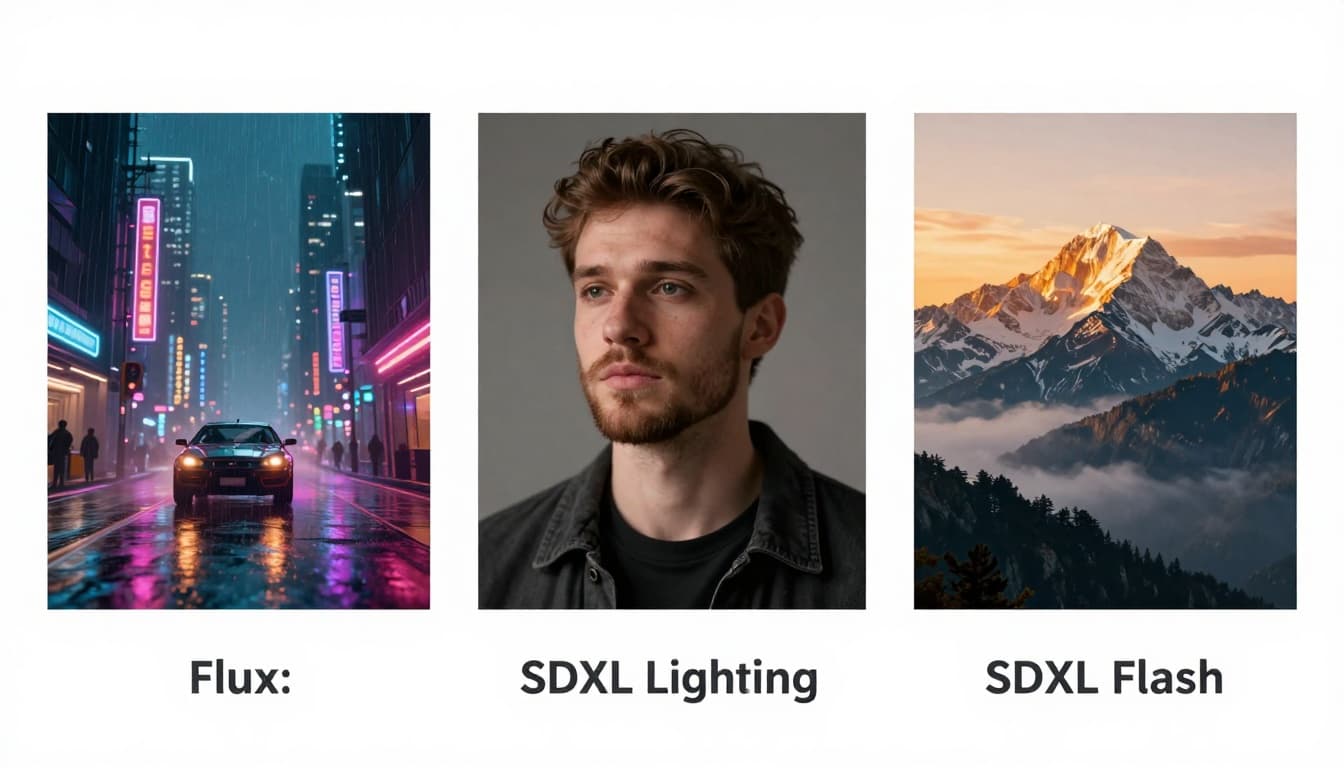 A simple side-by-side look at three different model outputs, created with AI.
I’ll put it plainly. Perchance is the tool I open when I want momentum. Not perfection. Momentum.
When it shines, it feels like tossing ideas onto a wall and seeing what sticks. I’ve used it to rough out thumbnail concepts, quick character vibes, and “give me 10 versions of this scene” experiments. The best wins are the ones you didn’t plan, like a lighting mood you didn’t think to ask for, or a face that suddenly looks right.
When it fails, it fails in the exact ways paid work hates. I can’t always reproduce the same character reliably. I can’t always get crisp, clean high-res finals without extra steps. And if I need an exact revision (change the shirt color, keep everything else), I usually end up doing that somewhere else.
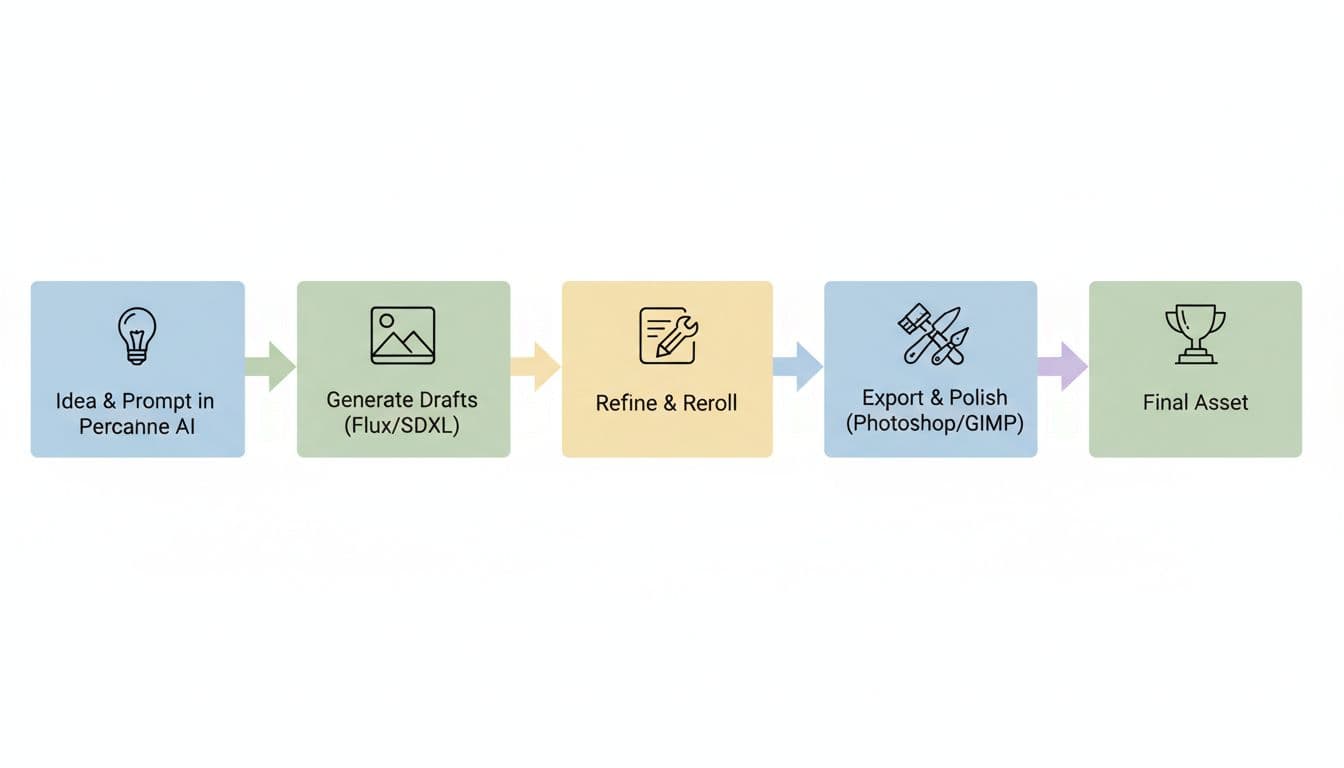 A simple draft-to-final creator workflow, created with AI.
So my workflow got simple: Perchance for drafts, then polish in an editor if the asset matters. If it’s just for ideation, I stay in Perchance and move fast. If it’s going on a homepage, a paid product, or a client’s ad, I treat Perchance like the sketchpad, not the finished canvas.
One more thing I learned the hard way: community tools are amazing, but you can waste time hopping between them. When you find a generator that fits your style, save it, and don’t keep wandering.
Conclusion: the honest verdict on Perchance AI in 2026
Perchance is best in 2026 for beginners, hobbyists, writers, and creators who want fast ideation without paying upfront. The perchance ai character generator is especially good when you need character concepts quickly and you don’t want friction.
Be cautious if you need consistent, brand-critical visuals, tight revisions, or print-ready results on demand. Try it for free experimentation, but don’t expect perfect, repeatable assets every time. Your best move is simple: use Perchance to get unstuck, then switch tools when you need control.


0 Comments